








A hosted payment form collects card details through the payment gateway instead of through the merchant’s own application. That single architectural decision changes how much cardholder data your environment touches, how much PCI scope you carry, and how much of checkout you have to build yourself.
Collect Checkout gives developers three ways to put a payment form on a website: a hosted checkout page reached by a payment link or button, embedded gateway-hosted fields through Collect.js, and a direct Payments API integration for workflows that need full server-side control.
This guide covers how the embedded checkout form works end to end, when a hosted form beats a direct API integration, and what to get right before you put the form in front of real customers.
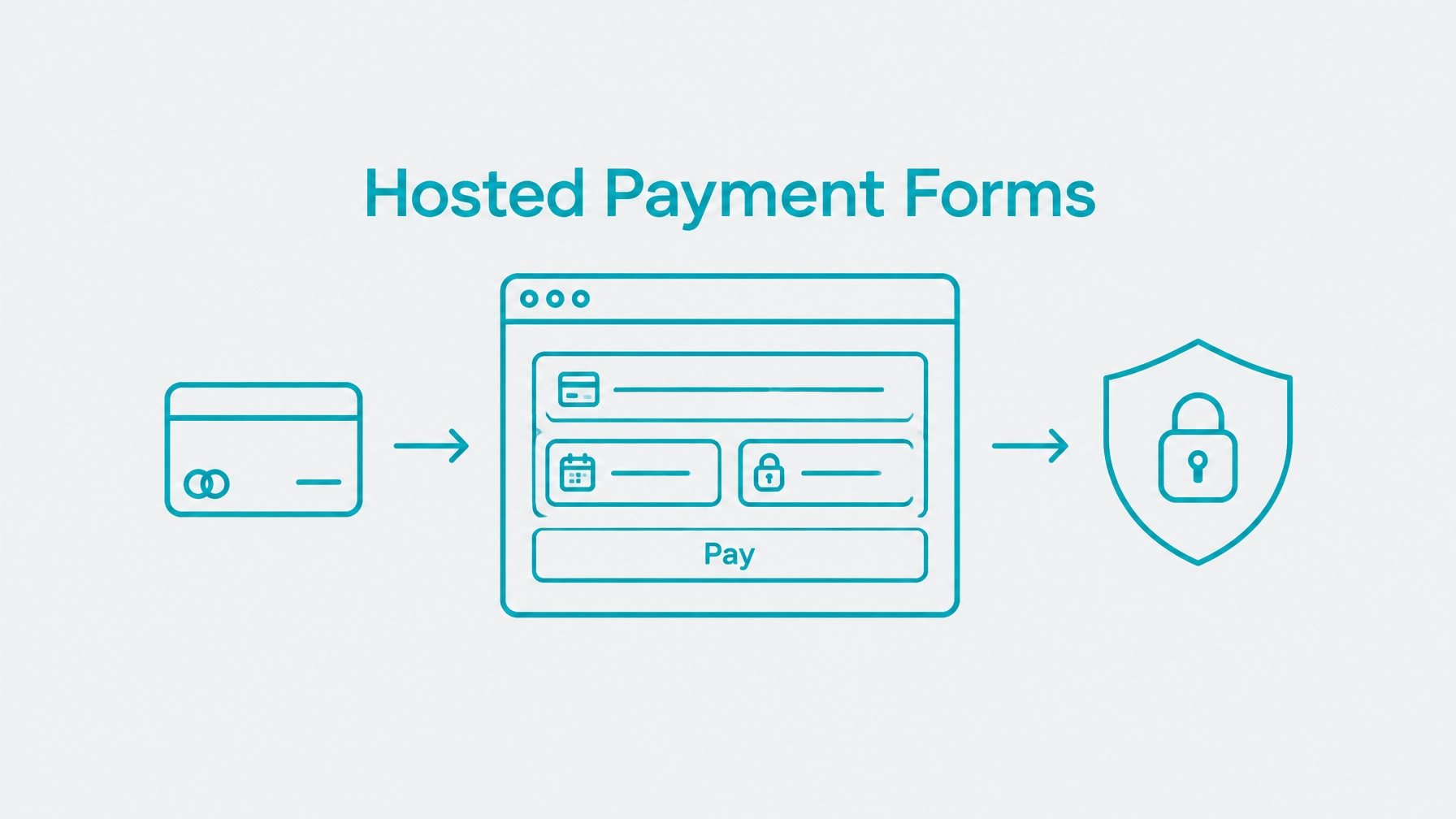
A hosted payment form collects card details on a page or in fields controlled by the payment gateway, not by your application. The gateway renders the inputs, receives the sensitive values, and hands your system back a reference it can use to submit the transaction.
With Collect Checkout, you can create a payment link and generate HTML for a button or form that sends customers to that hosted checkout experience. The gateway owns the payment surface end to end.
You can also manage product inventory, generate links for specific products or amounts, create QR codes, and adjust form layout and button colors. For a straightforward payment flow, these tools reduce the time spent building and maintaining custom checkout code.
Collect Checkout supports three patterns, and they solve different problems. A hosted Collect Checkout page is the fastest path with little or no code. Collect.js embedded fields support a more integrated checkout on your own domain. A direct Payments API integration gives your application full control over payment requests and workflows, at the cost of additional scope in your own environment.
For more control over the customer experience, Collect.js places gateway-hosted payment fields inside a merchant-designed checkout page. This approach separates card-data collection from your application while allowing your team to manage the surrounding page and submit transactions through the Payments API.
Explore Collect Checkout and hosted payment forms.

A hosted payment page and an embedded checkout are related but not identical. Collect Checkout can send customers to a gateway-hosted payment page; Collect.js provides gateway-hosted fields, technically rendered in iframes, within a form on your website.
In the embedded flow, the customer sees your checkout page and enters card data into the hosted fields. The sensitive values go directly from the browser to the gateway, which returns a payment_token for your server to use when submitting the transaction.
Collect.js is a payment-data collection and tokenization layer, not a replacement for the Payments API. It lets your application retain its server-side transaction workflow without handling raw card data. Review the Collect.js integration overview before implementing the browser and server responsibilities, and read the walkthrough on tokenizing payments with Collect.js for the variable-level detail.

There is no universal choice. The right approach depends on how much checkout control your application needs and where it can safely handle payment data.
A direct API integration can be the right technical choice. It supports server-side orchestration and custom payment logic. The key difference is whether your environment handles raw card data. Collect.js can be used with an API so your backend keeps transaction control while the card data goes directly to the gateway.
See the Payments API integration options for details on the direct request path, and the payment gateway integration architecture guide for how the payment layer fits into a larger application.

When gateway-hosted fields collect payment details, raw card data does not pass through your application server. That can reduce the number of systems, logs, and services that must be considered in your payment-data security design.
It also avoids building your own card-data tokenization layer. The gateway manages the hosted fields and tokenization behavior, while your team focuses on the rest of checkout.
A payment link or generated button can support a basic checkout without a custom payment form. For a branded experience, Collect.js can be added to an existing checkout rather than requiring the application to create and secure card-entry fields itself.
Hosted collection also provides a defined handoff between browser-side payment entry and server-side transaction processing. That can simplify testing, maintenance, and troubleshooting.
Collect.js allows your team to control the surrounding page design: order summary, labels, layout, and other non-sensitive checkout content. Collect Checkout also includes controls for form layout and payment-button colors.
Test the page at common mobile widths. Make sure hosted fields fit the responsive layout, validation messages are visible, and customers can review the amount before submitting payment.

The tokenization key is designed for use with Collect.js and is public-facing. It may appear in browser code, but it must not be treated as a private API credential or used for server-side transaction authorization. Keep the private API key on your server and out of HTML, JavaScript bundles, browser storage, and client-visible logs.
A payment_token is not a customer vault reference. Use it promptly for the intended transaction, and do not assume it can be reused for another charge. For repeat or recurring payments, store and use a gateway-managed Customer Vault reference instead of card details; recurring billing requires Customer Vault. Learn about Customer Vault and secure payment storage.
Build transaction handling around server-side state. Verify the gateway response before marking an order paid, and do not rely only on a customer reaching a success URL. If the browser closes or a request times out, the result may be unknown rather than declined. Check the transaction status before retrying to avoid duplicate charges.
Use an internal idempotency strategy to prevent your application from submitting the same order twice. If your chosen API supports a gateway idempotency feature, follow its documentation; do not invent or assume an undocumented request field. Handle declines as a separate outcome, show a clear next step, and never automatically resubmit a declined payment without a new customer action.
Use a direct API approach when the payment request must be coordinated closely with complex business logic or a server-side workflow. It may be preferable for multi-step authorization processes, unattended environments, or card-present integrations where the checkout model differs from a standard website form.
For website payments, a three-step redirect offers another server-side pattern: submit transaction details without sensitive payment values, render a form that posts card data directly to the gateway, then complete the transaction using the returned token ID. Review the three-step redirect API flow when this model better fits your implementation.
Hosted payment forms can help developers launch checkout sooner, reduce exposure to raw card data, and retain control over the customer journey. Choose the pattern that matches your payment flow, then test the full transaction lifecycle before putting it into production.
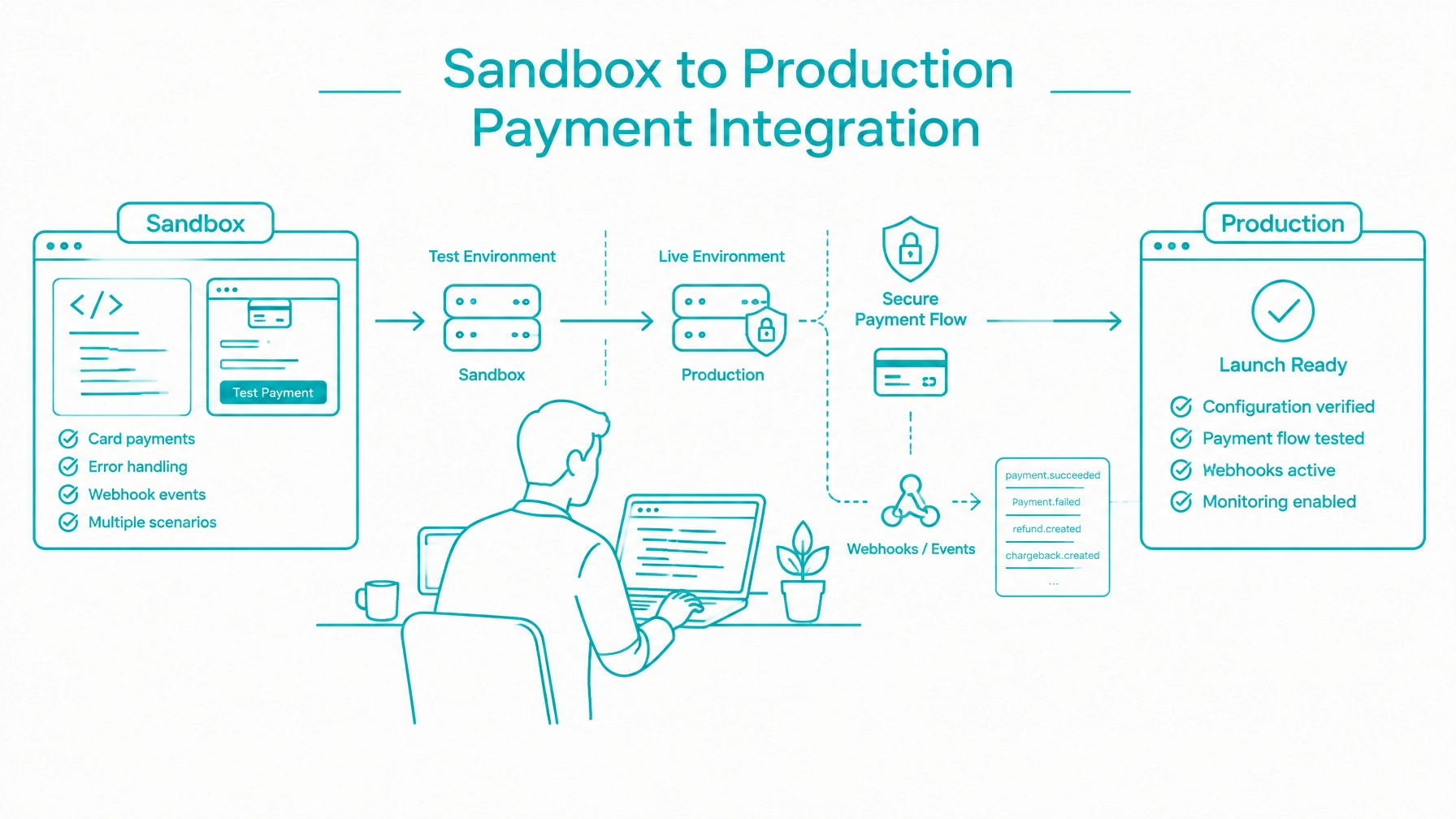
Before you ship, work through the sandbox to production checklist to cover credentials, webhooks, and go-live verification.
Compliance disclosure: Tokenization does not by itself establish PCI DSS compliance or eliminate PCI DSS obligations. Merchants remain responsible for completing the applicable annual Self-Assessment Questionnaire (SAQ) and maintaining compliance based on their environment and payment flows.