



.png)




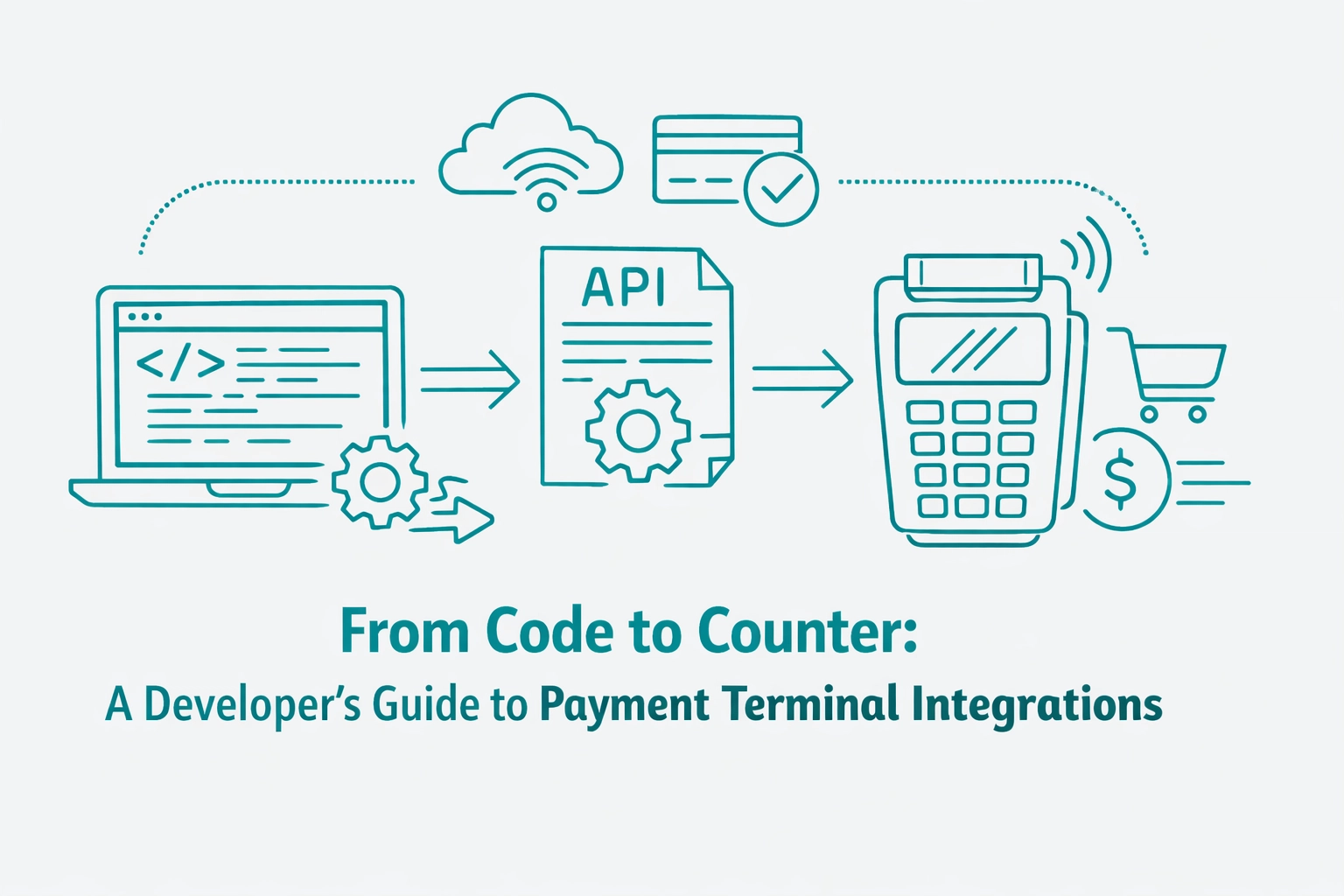
Bridging the gap between a sleek software interface and physical payment hardware is a notorious hurdle for developers. While digital payments have moved toward unified APIs, the world of physical terminals often remains fragmented by proprietary protocols and legacy cables.
Successful payment gateway integration requires moving beyond the browser to interact with Point of Interaction (POI) devices in the real world. This guide explores how to navigate these integrations efficiently without drowning in thousands of pages of documentation.
The first technical decision involves choosing the communication path between your application and the terminal. Historically, developers relied on local SDKs that required a direct physical or network connection to the hardware.
Local SDKs offer high speed but come with significant maintenance overhead. You often have to manage drivers, handle COM port mapping, and ensure the local machine stays on the same subnet as the device.
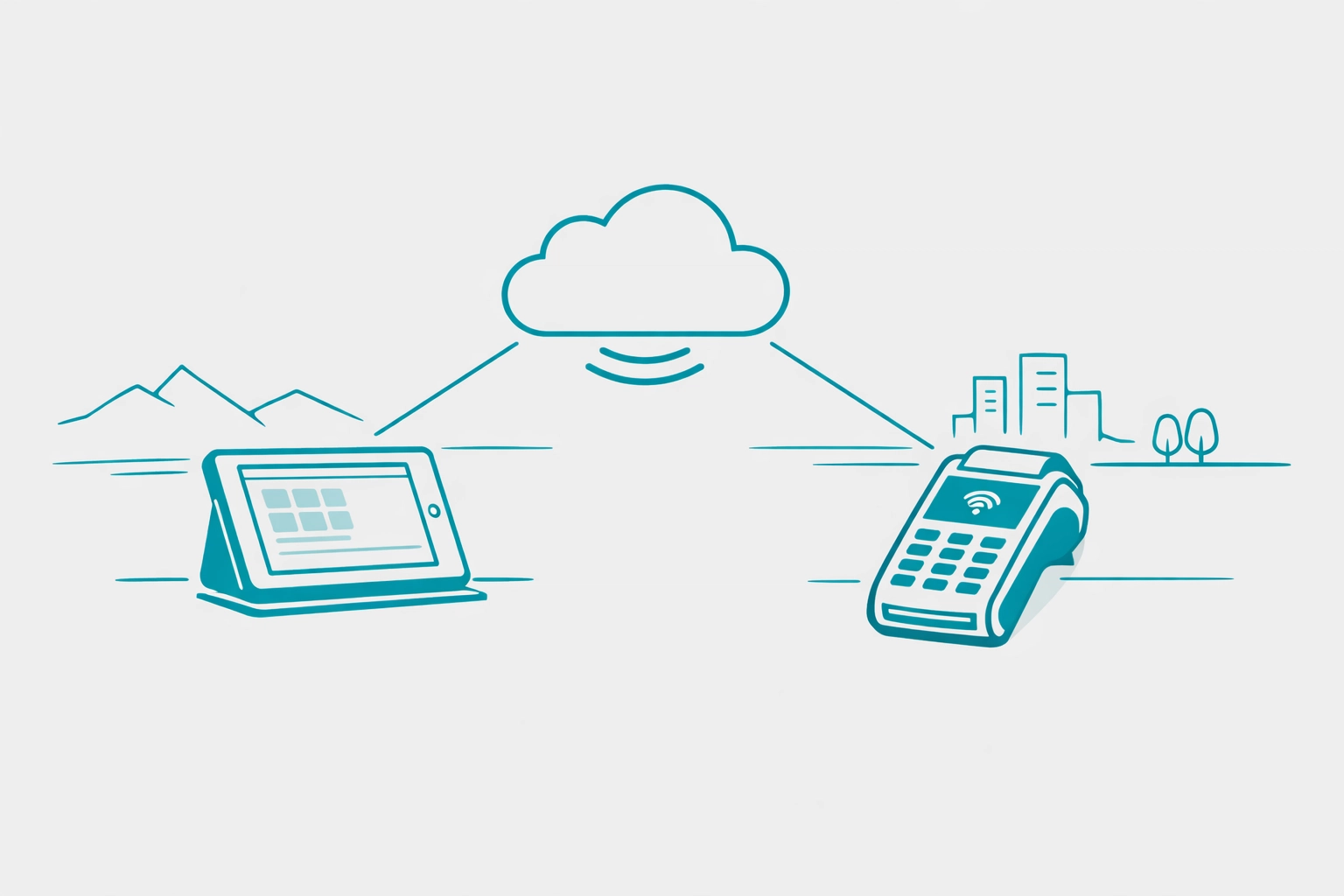
Modern payment platform integration increasingly favors the Customer-Present Cloud API. This architecture routes your request through the gateway's cloud servers, which then push the command to the terminal via a persistent internet connection.
Cloud-based integrations eliminate the need for local drivers and allow your software to remain hardware-agnostic. Whether your app runs on a tablet, a desktop, or a web browser, the integration remains consistent across all environments.
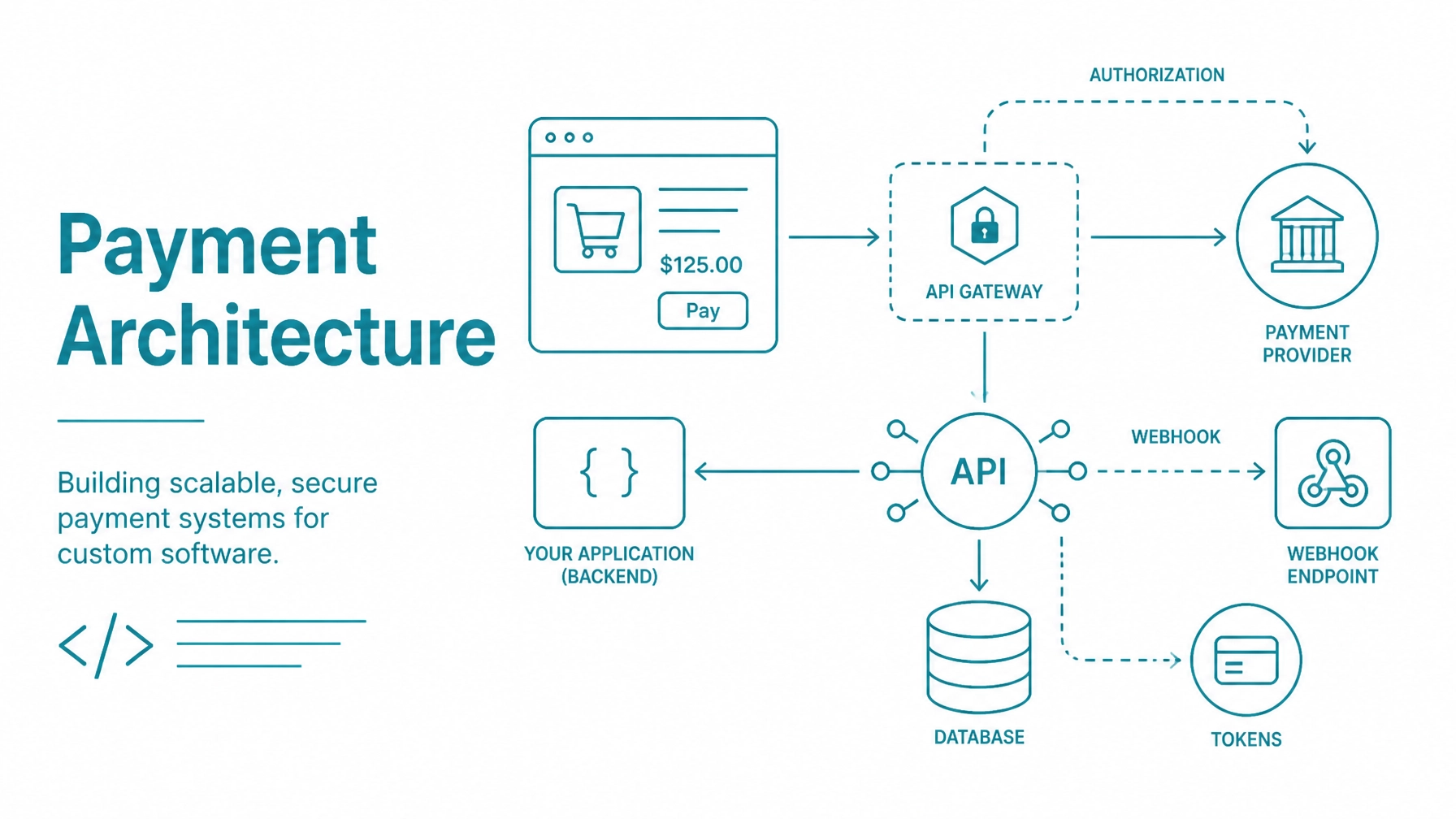
At its core, a terminal integration is a three-way conversation between your software, the payment gateway, and the physical device. This "handshake" ensures that transaction data is passed securely without sensitive card info ever touching your local server.
The process begins when your application sends a POST request containing the transaction amount and a unique reference ID. This request targets the gateway, acting as the intermediary between your code and the point of sale machine equipment sitting on the counter.
The gateway validates the request and signals the specific terminal to "wake up." The terminal screen then prompts the customer to swipe, dip, or tap their card, effectively taking the developer out of the PCI scope for that interaction.
Handling real-time transactions requires a robust state machine logic within your software. You cannot simply fire a request and assume it will succeed; you must account for human errors, network timeouts, and card declines.
Synchronous flows wait for the terminal to respond before moving to the next line of code. While simple to implement, this can lock your UI if the customer takes too long to find their wallet or if the network connection flickers.
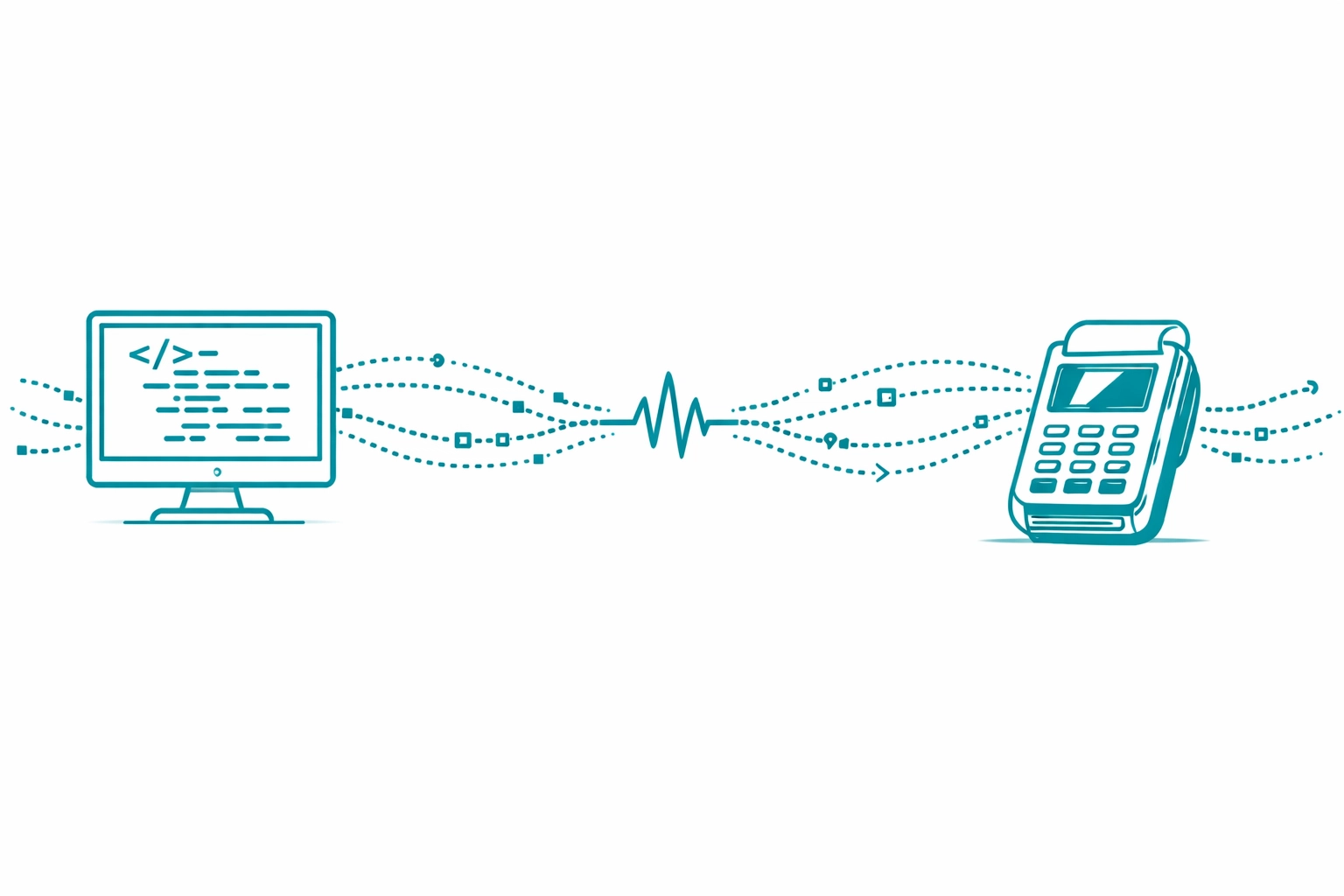
Asynchronous flows are often superior for restaurant management software payment integration. In this model, your app sends the request and then polls for a status update or waits for a webhook notification.
This allows the server-side logic to handle the heavy lifting while your front-end remains responsive. If a transaction is approved, the gateway sends a payload containing the authorization code and a masked version of the card data for your records.
Before a terminal can accept commands, it must be "paired" or registered to a specific merchant account. Most developers handle this through a one-time registration flow where the terminal displays a unique pairing code.
Your software should provide an administrative interface where users can input this code. This links the hardware ID to the software's API keys, creating a secure tunnel for all future transaction requests.
Once registered, your app should be able to query the device status. Checking if a terminal is "Online" or "Busy" before sending a payment request prevents user frustration and improves the overall checkout experience.
Modern terminal integrations allow developers to do much more than just process a "Sale" transaction. You can leverage the device screen for customer interactions that traditionally happened on the POS monitor.
Consider implementing custom prompts for digital signatures or secure credit card storage via the terminal. This allows customers to save their payment info for future visits without the merchant ever seeing the full card number.
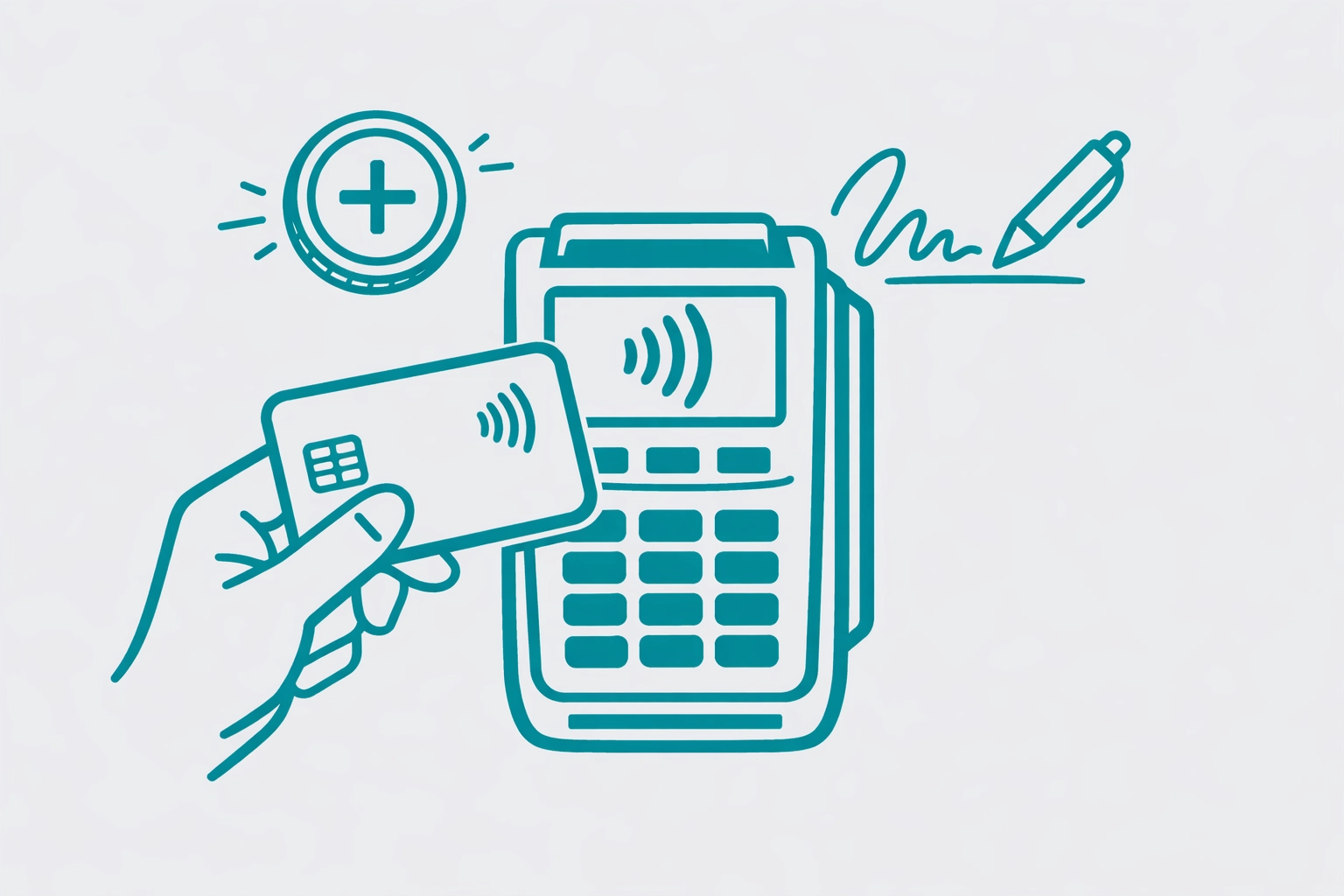
For hospitality environments, the terminal should handle gratuity prompts and line-item displays. Sending a detailed breakdown of the bill to the terminal screen increases transparency and builds trust during the final moments of the customer journey.
The primary goal of learning how to integrate with payment gateway systems is to minimize risk. By using an integrated terminal, the sensitive EMV or magnetic stripe data is encrypted at the point of interaction.
The terminal sends encrypted blobs directly to the processor, returning only a non-sensitive token to your software. This "Zero Data" footprint is the most effective way to maintain PCI compliance while building custom retail or restaurant applications.
If your software never sees, touches, or stores clear-text card data, your compliance burden is significantly reduced. This allows you to focus on building features rather than navigating complex security audits.
Hardware is expensive, and shipping terminals to every developer on your team isn't always practical. This is where a robust developer sandbox becomes essential.
A high-quality payment platform will offer a Virtual Pin Pad (VPP). This tool emulates the behavior of a physical terminal within your browser, allowing you to simulate card insertions, pin entries, and connection errors.
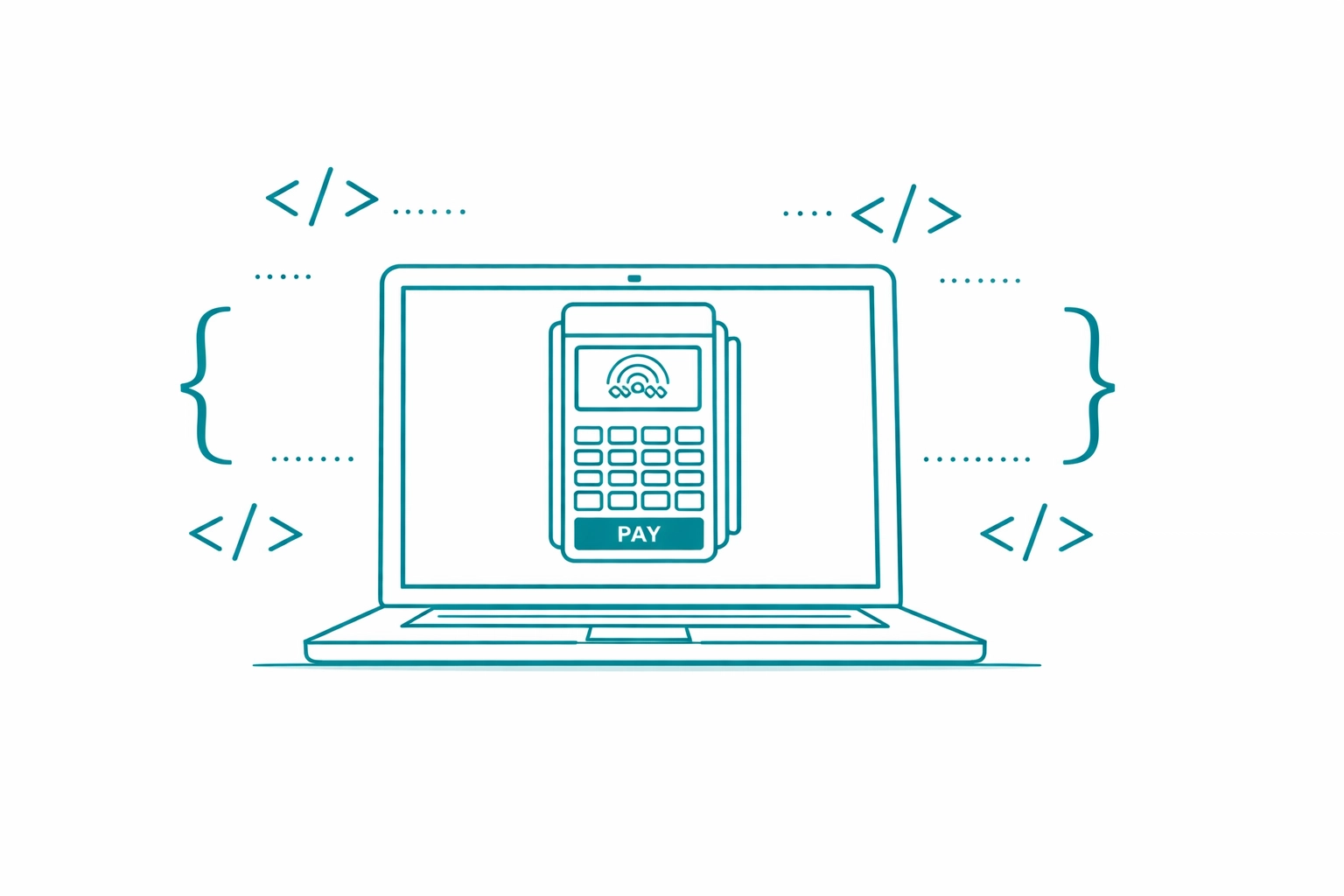
Testing with a VPP ensures that your integration logic is sound before you ever unbox a physical Ingenico EMV payment processing terminal. You can trigger specific response codes to see how your UI handles edge cases like "Insufficient Funds" or "Expired Card."
The hardware landscape changes rapidly. New payment methods like biometrics, QR codes, and digital wallets are constantly emerging. A flexible API integration ensures you don't have to rewrite your entire codebase every time a new device is released.
By abstracting the hardware layer through a unified payment gateway, you gain the ability to swap out physical terminals without changing your core integration logic. This scalability is vital for software providers looking to grow from a single location to a national franchise.
Focus on building a clean implementation that relies on standard JSON payloads and secure webhooks. This technical foundation will serve your application, and your users, well into the future of commerce.
Integrate Payments provides payment processing services and hardware integration tools for developers and merchants. All payment processing is conducted in accordance with PCI DSS standards to ensure the highest level of data security.
For detailed technical specifications and API access, please refer to the official Integrate Payments documentation portal.