


.png)




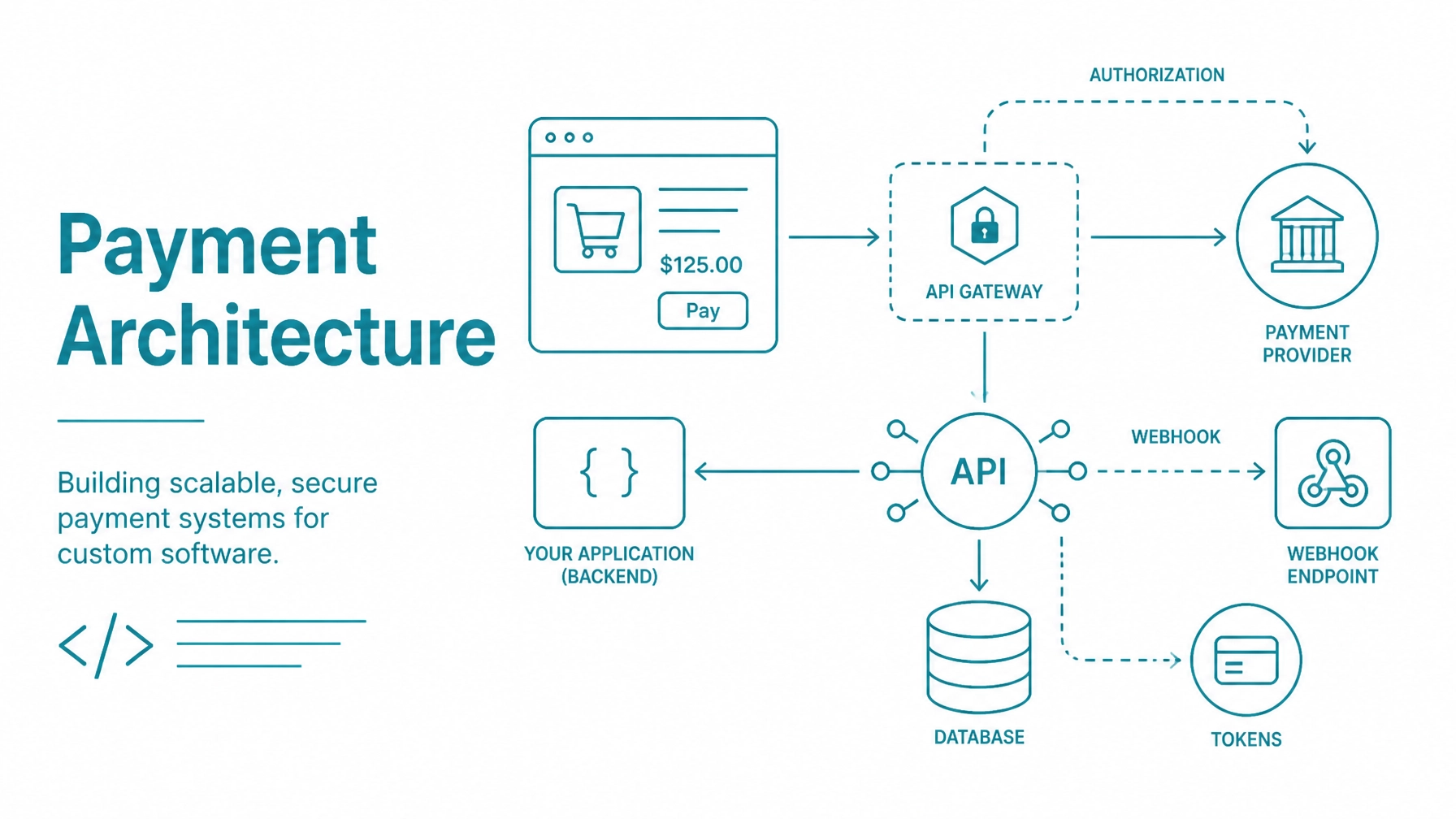
Custom software needs a payment architecture that is secure, testable, and adaptable. The correct design separates customer-facing checkout, payment processing, customer records, and asynchronous event handling.
Integrate Payments provides a developer-focused payment gateway, API resources, sandbox access, hosted payment collection, tokenization, Customer Vault, recurring billing, and terminal integrations. Use these components to build payment flows for SaaS platforms, e-commerce applications, marketplaces, and custom business software.
Start with the Integrate Payments payment gateway platform to review available integration models and product capabilities.
Do not begin by placing payment fields directly into an existing application form. First decide which system owns each responsibility.
The frontend should:
Your backend should:
The gateway handles payment processing and communicates with the processor. Depending on the selected integration model, it can also host payment collection, tokenize payment information, store Customer Vault records, manage recurring billing, and coordinate supported payment terminals.
The webhook service receives gateway events after the initial request. Use it to update orders, subscriptions, refunds, settlements, chargebacks, and other payment-related records.
Keep webhook processing separate from the customer-facing request whenever possible. Accept the event quickly, persist it, and process it through a controlled queue.
Your collection model determines the user experience, development effort, and potential PCI scope.
Use a hosted payment page when you want the gateway to control payment collection. The customer is redirected to a gateway-hosted checkout, enters payment information there, and returns to your application after the transaction.
This is usually the simplest architecture for an initial release. The application manages the order and return flow, while the hosted page handles sensitive payment entry.
Review hosted payment forms and Collect Checkout for documented configuration options, success URLs, cancellation behavior, receipts, and Customer Vault settings.
Do not treat a browser redirect as proof that an order was paid. Confirm the transaction through the gateway response, a webhook, or a documented transaction query before releasing goods or activating service access.
Use Collect.js when you need a custom checkout interface but do not want raw card data to pass through your server. Collect.js places payment fields in gateway-hosted frames and returns a payment_token to the browser.
The frontend can send that token to your backend. Your backend then submits the token to the Payment API instead of submitting the card number, expiration date, or CVV.
The token is designed for limited use. Integrate Payments documentation states that a payment token can be used once and expires if it is not used within the documented period. Generate a new token if a customer must re-enter payment information after a failed attempt.
Read the Collect.js JavaScript payment integration documentation for the current script configuration, tokenization key requirements, inline fields, lightbox options, callbacks, and supported wallet flows.
Expose only the tokenization key in frontend code. Keep the private API security key on the backend.
A direct API flow sends payment data from your application environment to the gateway. This can provide control over the request lifecycle, but it also increases the systems that may handle cardholder data.
Use this model only when your requirements justify the additional security controls and PCI responsibilities. Hosted collection and client-side tokenization should be preferred when they meet the product requirements.
A token is not the same as a customer record. Treat each object separately in your data model.
Your application can store:
Do not store full PANs, CVV values, raw bank account data, or unfiltered payment requests and responses.
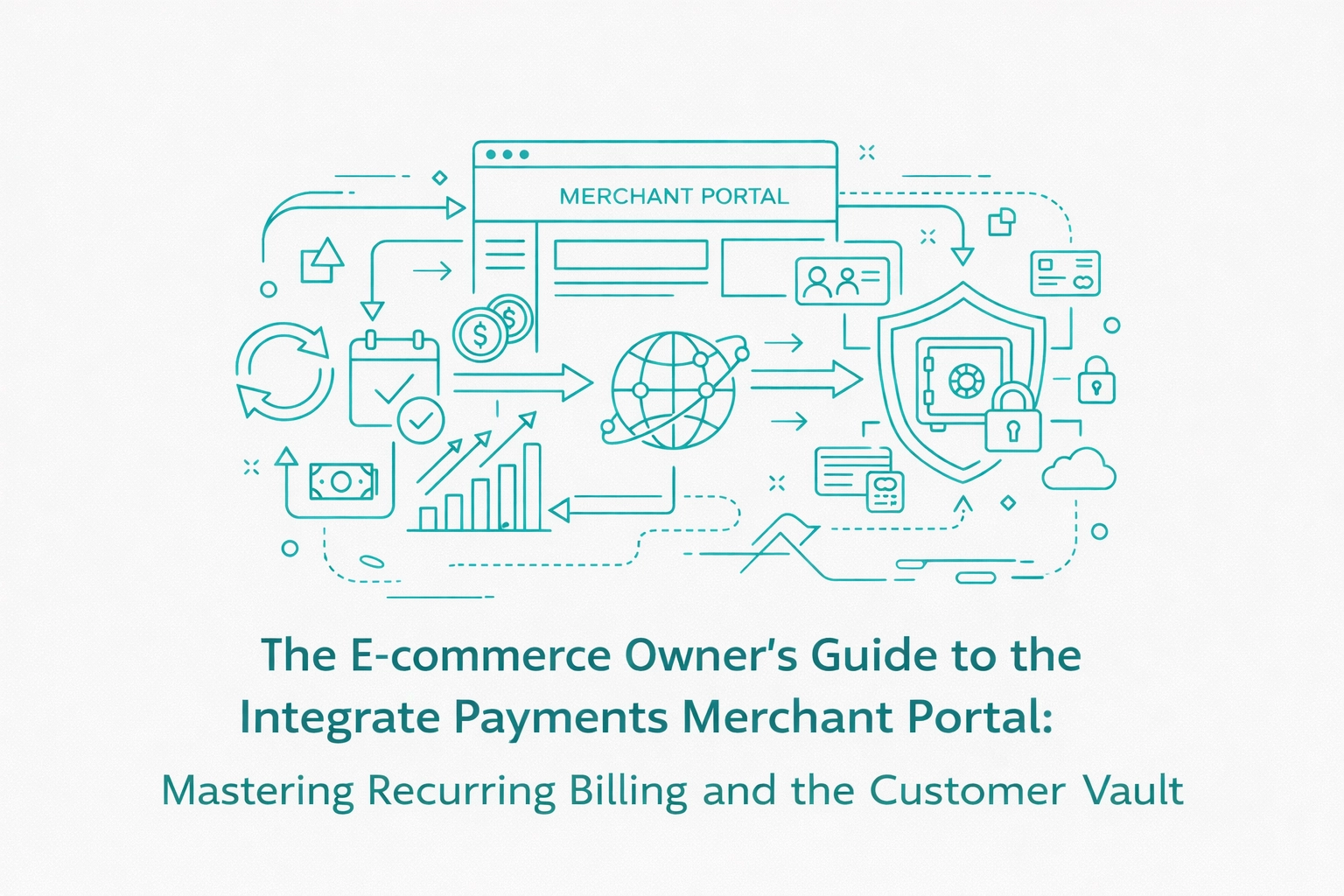
The Integrate Payments Customer Vault is designed to store payment information in a secured gateway environment and return a reference for future transactions. Your application can use that reference for future charges without retrieving the underlying payment data.
Separate payment method status from customer status. A customer can remain active while a payment method is expired, deleted, declined, or replaced.
Recurring billing introduces consent, credential-on-file rules, subscription state, and payment failure handling. Do not treat a subscription as a single sale with a date attached.
A typical flow is:
Review the Recurring Billing API documentation before implementing plan or subscription operations. Exact variable combinations depend on whether you use an existing plan, a custom subscription, a card, ACH, or a digital wallet.
For stored credentials, record whether a transaction was customer initiated or merchant initiated. Preserve the initial transaction ID and follow the applicable processor and card-brand requirements documented by Integrate Payments.
Do not use a single Boolean field such as is_paid. Payment processing has multiple states and multiple sources of truth.
A practical internal state model may include:
Map gateway responses into your own stable domain model. Do not expose raw gateway response text as the only customer-facing message.
The Payment API documents standard response values, including approved, declined, and error conditions. It also returns transaction IDs and, where available, AVS and CVV response values.
Store avsresponse and cvvresponse separately from the overall transaction result. Use them to support risk decisions, operational review, and fraud rules.
An AVS mismatch does not always mean that a transaction must be rejected. Define rules based on your business risk, processor configuration, order value, shipping destination, customer history, and fraud controls.
Never log the full CVV or raw payment request. Store only the response code and the minimum information required for review.
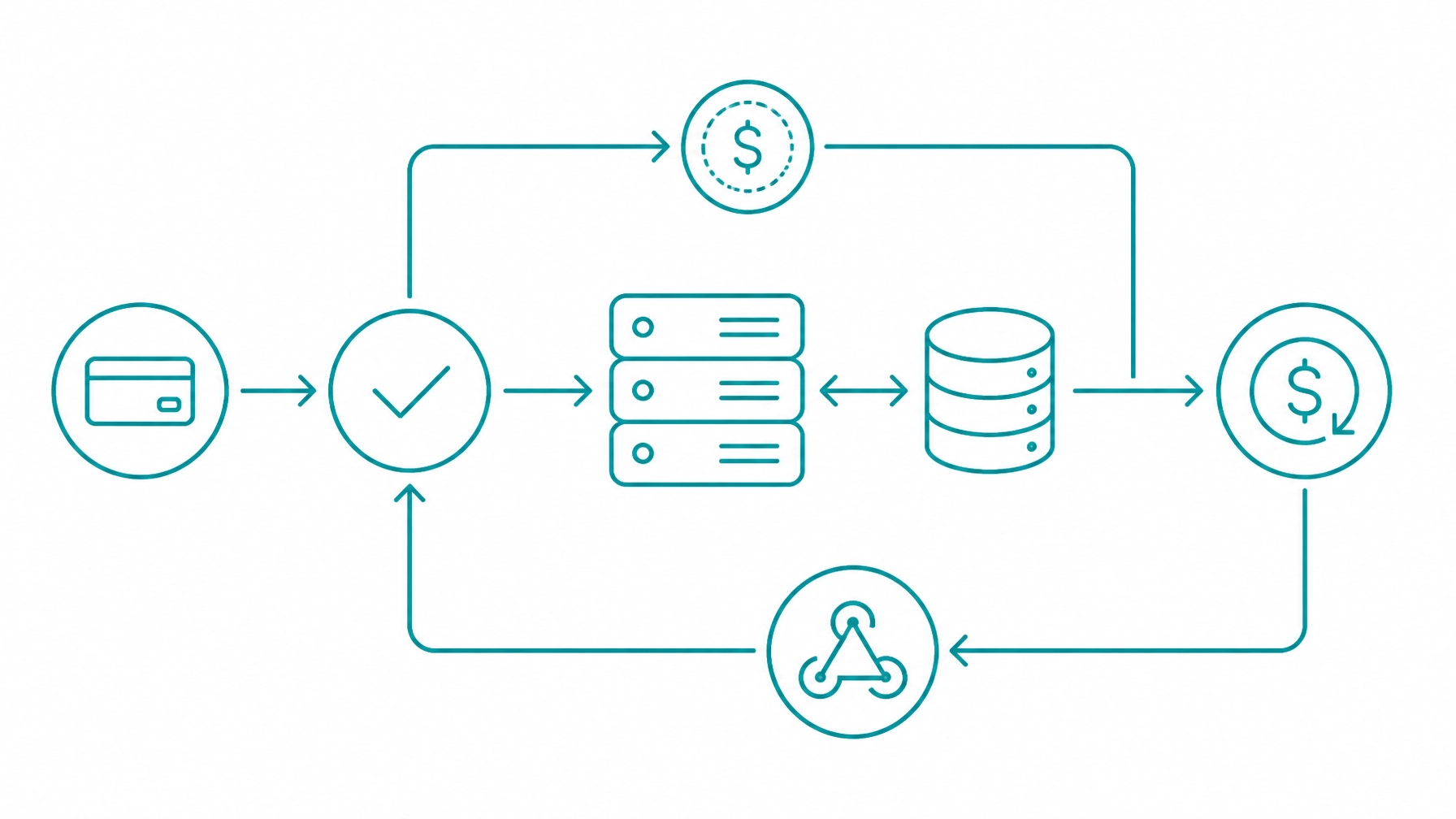
Webhooks protect your application from relying only on a synchronous browser request. They are especially important for recurring payments, refunds, settlements, chargebacks, account updater activity, and delayed status changes.
Configure an HTTPS endpoint in the Integrate Payments control panel. Verify the webhook signature using the signing key and the documented signature format before processing the body.
Then:
event_id before performing business actions. This is application-level idempotency. Do not invent or assume an unsupported API idempotency parameter. Use the gateway’s event identifier, your internal order ID, and unique transaction IDs to prevent duplicate business actions.
Design for retries. Integrate Payments documents webhook retry behavior when an endpoint does not return a successful response, but your application should not depend on a fixed delivery interval.
Separate payment actions by their financial meaning:
Your refund endpoint should require an authenticated staff or service action, an internal order reference, the gateway transaction ID, and an amount. Store every refund as its own record linked to the original transaction.
Prevent the application from refunding more than the captured amount. Also make the refund operation idempotent so a timeout or browser refresh cannot create two refunds.
Marketplaces require an additional merchant boundary. Your application must identify the merchant receiving funds, the platform’s fee, the order, and the customer payment.
The Integrate Payments marketplace and platform payment resources describe use cases involving multiple merchants, internal reporting, platform fees, and payment integration within a single software environment.
Keep platform records separate from merchant records. A marketplace should be able to reconcile each customer charge, platform fee, merchant share, refund, and settlement without relying on display text.
Use the Integrate Payments developer sandbox before connecting production credentials or real customer data. The sandbox provides a test merchant, API resources, SDK documentation, and integration assistance.
Test more than successful sales:
Use the current test values and response triggers in the Integrate Payments developer documentation. Do not copy test credentials, keys, or sample values into production configuration.
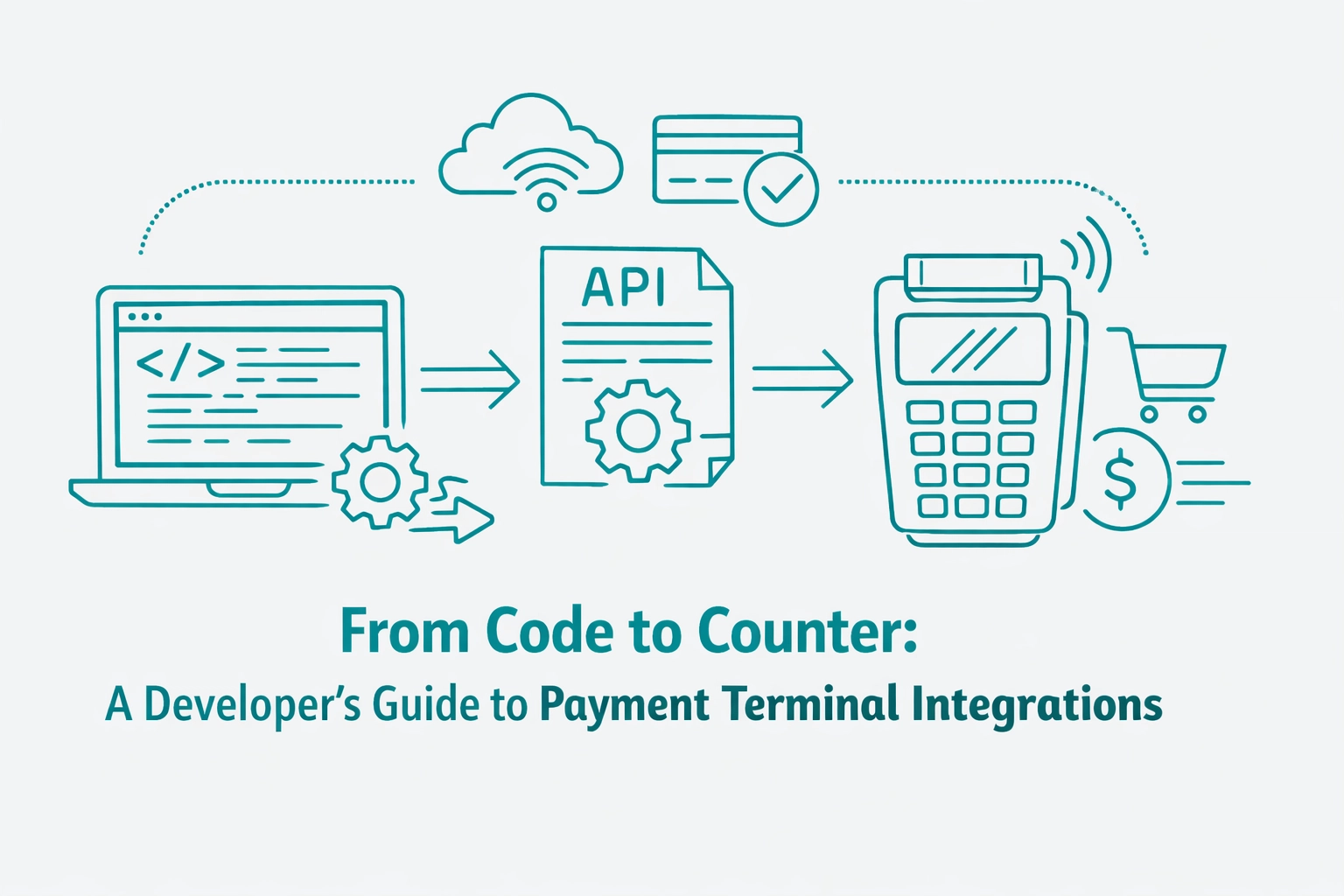
If custom software must support both online and in-person payments, keep the terminal flow separate from card-not-present checkout.
The application should send the amount, order reference, and terminal identifier to the documented terminal integration. The terminal and gateway handle the card-present interaction, while your application receives a result and updates the order.
Review Payment Terminal Integrations for Developers for cloud, local, and semi-integrated architecture considerations. Use asynchronous processing when the customer may take time to interact with the device and your application cannot keep a request open safely.
Hosted payment pages and client-side tokenization can reduce the amount of cardholder data that enters your environment. They do not automatically make a merchant PCI compliant or determine the correct Self-Assessment Questionnaire.
Your compliance scope depends on the complete implementation, including the checkout page, scripts, servers, access controls, logs, integrations, terminals, policies, and service providers. Use the PCI Security Standards Council merchant resources and validate the applicable SAQ with your acquirer, qualified security assessor, or compliance provider.
Complete the applicable SAQ every year. Maintain evidence for key management, access reviews, vulnerability management, webhook security, logging controls, incident response, and service-provider responsibilities.
The Integrate Payments FAQ provides additional guidance on sandbox access, API integration methods, tokenization, Customer Vault, recurring billing, and PCI-related responsibilities.
Before enabling live payments:
Build your application around payment references, not payment data. Let the frontend collect through a gateway-controlled method, let the backend manage business rules and authenticated API calls, let the gateway process and tokenize payment information, and let the webhook layer maintain reliable state.
This architecture gives developers control over the product without requiring the application to become a payment-data repository. It also creates a clearer path for testing, PCI scope reduction, annual SAQ completion, production operations, and future payment features.