


.png)




Integrating payments into custom software requires more than adding a checkout form. Your application must coordinate customer data, payment requests, transaction states, refunds, recurring billing, security controls, and PCI responsibilities.
For developers, SaaS founders, agencies, and product teams, the most reliable approach is to separate application logic from sensitive payment data. Use a payment gateway for card collection, tokenization, processing, and supported billing operations while your software manages orders, access, reporting, and customer experience.
Integrate Payments provides a developer-focused payment gateway for custom applications, SaaS platforms, e-commerce systems, and marketplaces.
Define the responsibilities of each system before building the payment flow. This prevents sensitive payment data from being introduced into application servers, logs, databases, or third-party analytics tools unnecessarily.
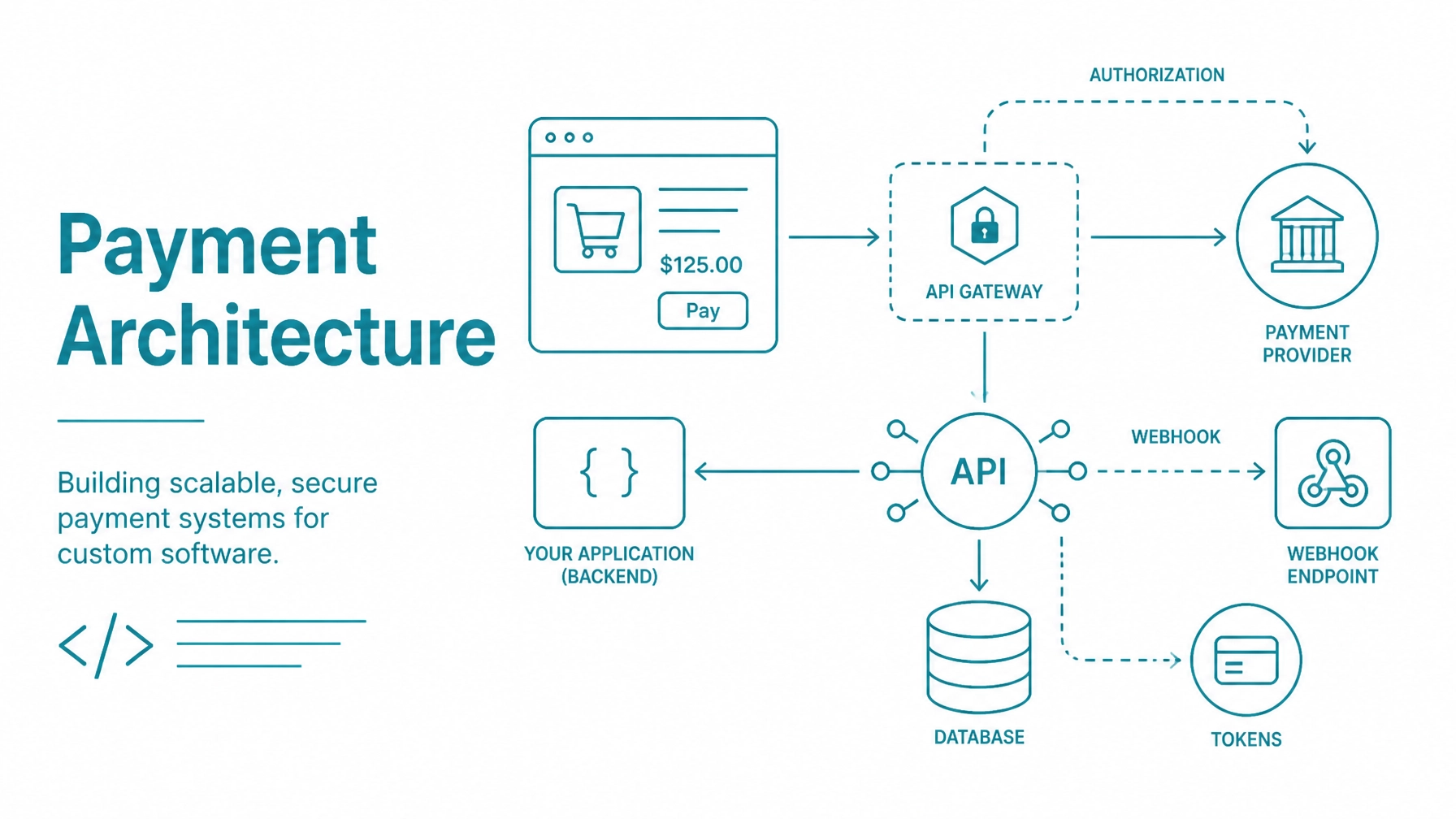
A practical architecture includes four layers:
Your frontend should collect non-sensitive information such as the customer name, email address, billing address, product selection, and order details. Keep private API credentials on the backend.
Your backend should calculate the final amount server-side. Never rely on a price, discount, tax value, or shipping amount submitted only by the browser.

The collection model affects user experience, development effort, and PCI scope. Evaluate the tradeoffs before selecting an implementation path.
A hosted payment page redirects the customer to a gateway-controlled checkout experience. The customer enters payment details on that page and returns to your application after the transaction.
This approach is suitable when you need a fast initial release or want to keep payment fields outside your application interface. Your software manages the order, return flow, and payment result while the gateway handles sensitive payment entry.
Do not activate an order solely because the customer returned to your website. Confirm the transaction through the documented gateway response, webhook event, or transaction lookup process before delivering goods or enabling access.

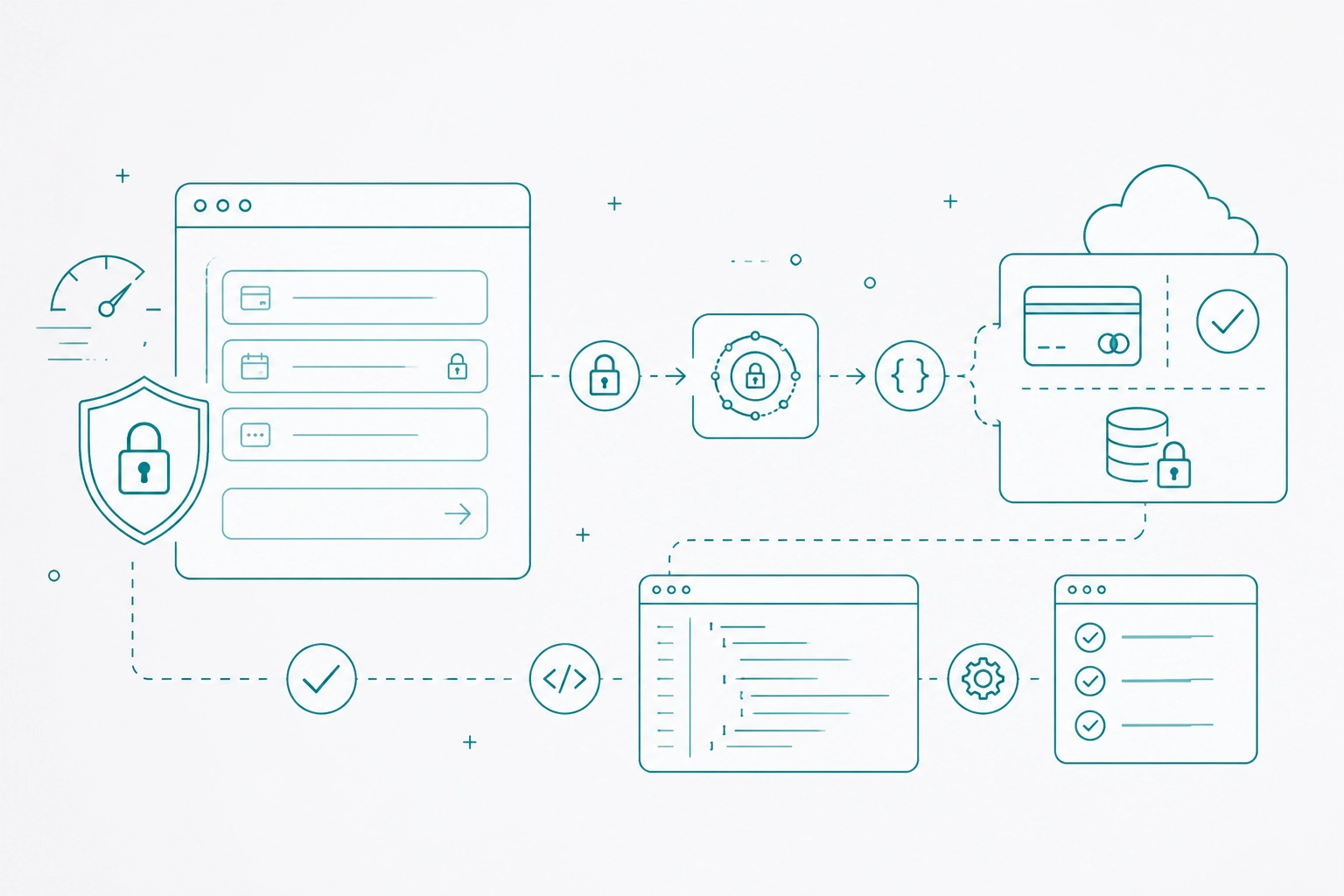
Hosted fields provide more control over the checkout interface while keeping payment inputs in gateway-controlled frames. With Collect.js, the customer can remain within your branded checkout while payment information is tokenized before it reaches your backend.
The typical flow is:
Review the Collect.js payment integration resources for current configuration and implementation requirements.
A payment token is not the same as a permanent customer record. Treat it as a payment reference with the validity and usage limitations defined by the gateway documentation.
A direct API integration gives your team maximum control over the payment request and checkout experience. It also increases responsibility because your systems may receive, transmit, or process cardholder data.
Use direct collection only when your product requirements justify the additional security controls and PCI obligations. For most early-stage applications, hosted payment pages or hosted fields provide a more controlled starting point.
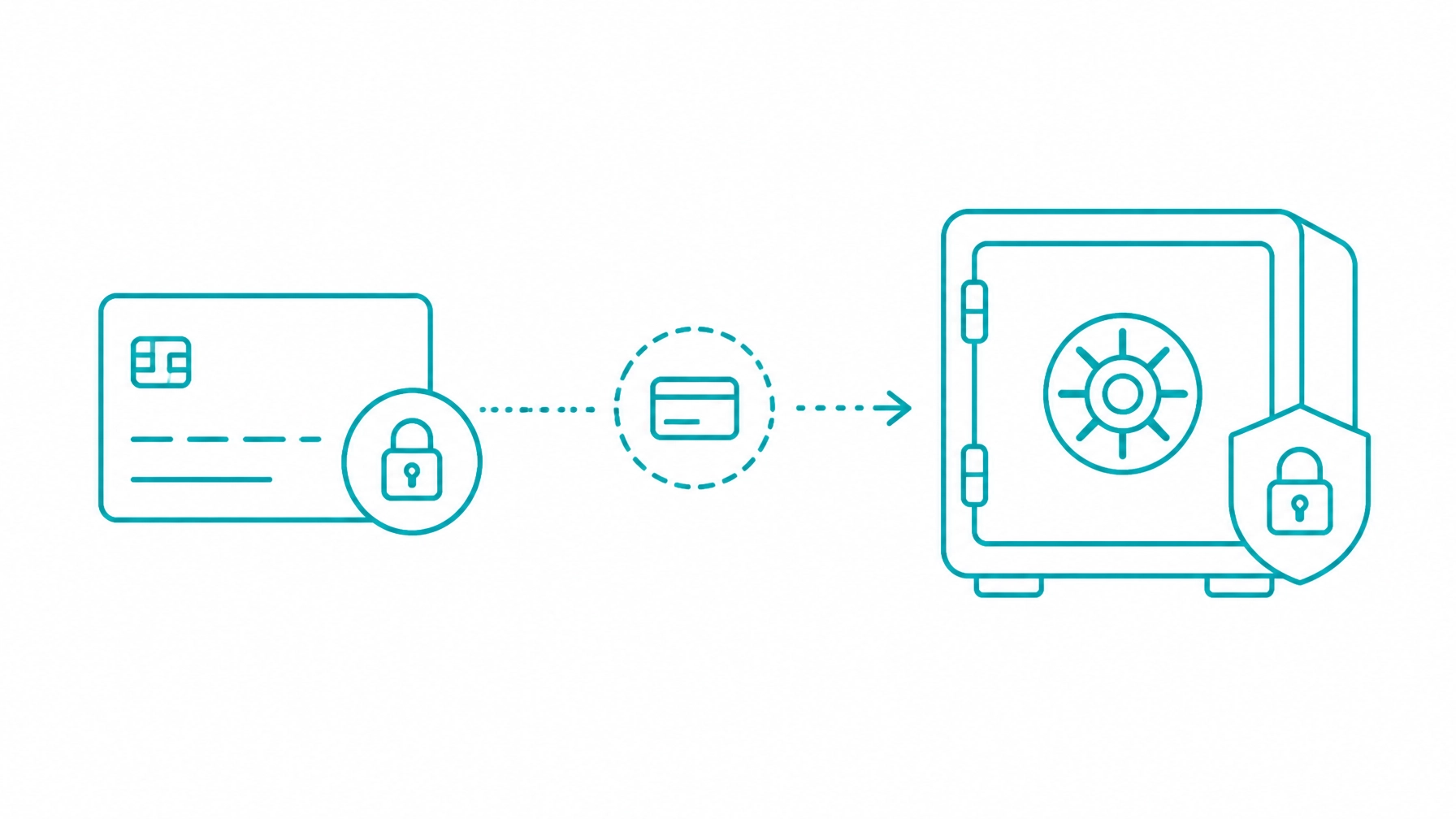
Tokenization replaces sensitive payment information with a reference that your application can use without storing the original card number. Your database should contain payment references, not raw payment data.
Store only the information required for payment operations, customer support, and reconciliation:
Do not store full card numbers, CVV values, raw bank account information, or unfiltered payment requests and responses.
The Customer Vault payment storage service allows payment information to be stored in a secured gateway environment and referenced for future transactions. Your application can retain the vault reference without retrieving the underlying payment data.
Separate payment method status from customer status. A customer may remain active while a payment method is expired, declined, deleted, or replaced.
Recurring billing requires more than charging the same customer at regular intervals. Your application must manage consent, subscription status, stored payment references, renewals, cancellations, and failed payments.
A typical subscription flow includes:
Use the Recurring Billing API integration information to confirm the supported variables and workflow for your integration.
Track whether a transaction is customer initiated or merchant initiated when using stored credentials. Preserve the original transaction reference and follow the applicable processor and card-brand requirements.
Avoid a single Boolean field such as is_paid. Payment processing includes intermediate states, asynchronous events, reversals, and unknown outcomes.
Your internal payment model may include:
created payment_pending authorized captured settled declined failed voided partially_refunded refunded unknown reconciliation_requiredMap gateway responses into a stable internal model. Do not expose raw gateway response text as the only customer-facing message.
Keep authorization, capture, settlement, and fulfillment logic separate. An authorization does not necessarily mean funds have been captured, and a successful browser response does not always represent the final state of a transaction.
Use each payment action for its intended purpose:
Require authentication and authorization for administrative payment actions. Link every refund to the original transaction and maintain a separate refund record.
Prevent refunds from exceeding the captured amount. Also design refund processing to tolerate timeouts, retries, and duplicate requests without creating duplicate financial actions.
Webhooks keep your application synchronized with payment activity that occurs after the initial request. They are important for recurring billing, refunds, settlements, disputes, and delayed transaction updates.
Build webhook handling as a separate application component:
Webhook delivery can be repeated. Use event identifiers, internal order references, and unique transaction IDs to prevent duplicate fulfillment, account activation, or refunds.
Do not assume that a synchronous API response is the only source of truth. Design reconciliation processes for timeouts, lost responses, and delayed status changes.
Marketplaces introduce additional merchant and fund-flow requirements. Your application must distinguish between the platform, each participating merchant, the customer, the order, and any platform fee.
The marketplace and platform payment resources provide context for applications that support multiple merchants within one software environment.
Store separate records for:
Build reporting around IDs and transaction references instead of display names. This makes reconciliation more reliable as the number of merchants and transactions increases.
Run the complete payment lifecycle in a test environment before using production credentials. The Integrate Payments developer sandbox provides a test merchant and access to integration resources.
Test more than successful payments:
Use the current test values and response conditions in the documentation. Never place sandbox credentials, test keys, or sample payment values in production configuration.
Prevent these issues before launch:
Correct these decisions during architecture planning. Retrofitting payment security and state management later creates unnecessary development work.
Hosted payment pages and client-side tokenization can reduce the amount of cardholder data that enters your environment. They do not automatically make a merchant PCI compliant or determine the correct Self-Assessment Questionnaire.
PCI scope depends on the complete implementation, including checkout pages, scripts, servers, access controls, logs, integrations, terminals, policies, and service providers.
Review the PCI Security Standards Council merchant resources and confirm the applicable SAQ with your acquirer, qualified security assessor, or compliance provider.
Complete the applicable SAQ annually. Maintain evidence for access controls, key management, vulnerability management, logging, incident response, webhook security, and service-provider responsibilities.
Before enabling live payments:
Build your software around payment references rather than payment data. Let the gateway control secure collection and tokenization while your application manages business rules, orders, access, reporting, and customer workflows.
If you are building a SaaS product, custom web application, marketplace, or software platform, Contact Integrate Payments to discuss your payment integration requirements, preferred collection model, and path from sandbox testing to production.